
BarAPK.org is not as safe as an official app store. It may be useful for users who want APK files, but it comes with clear security and trust risks.
What BarAPK.org Is
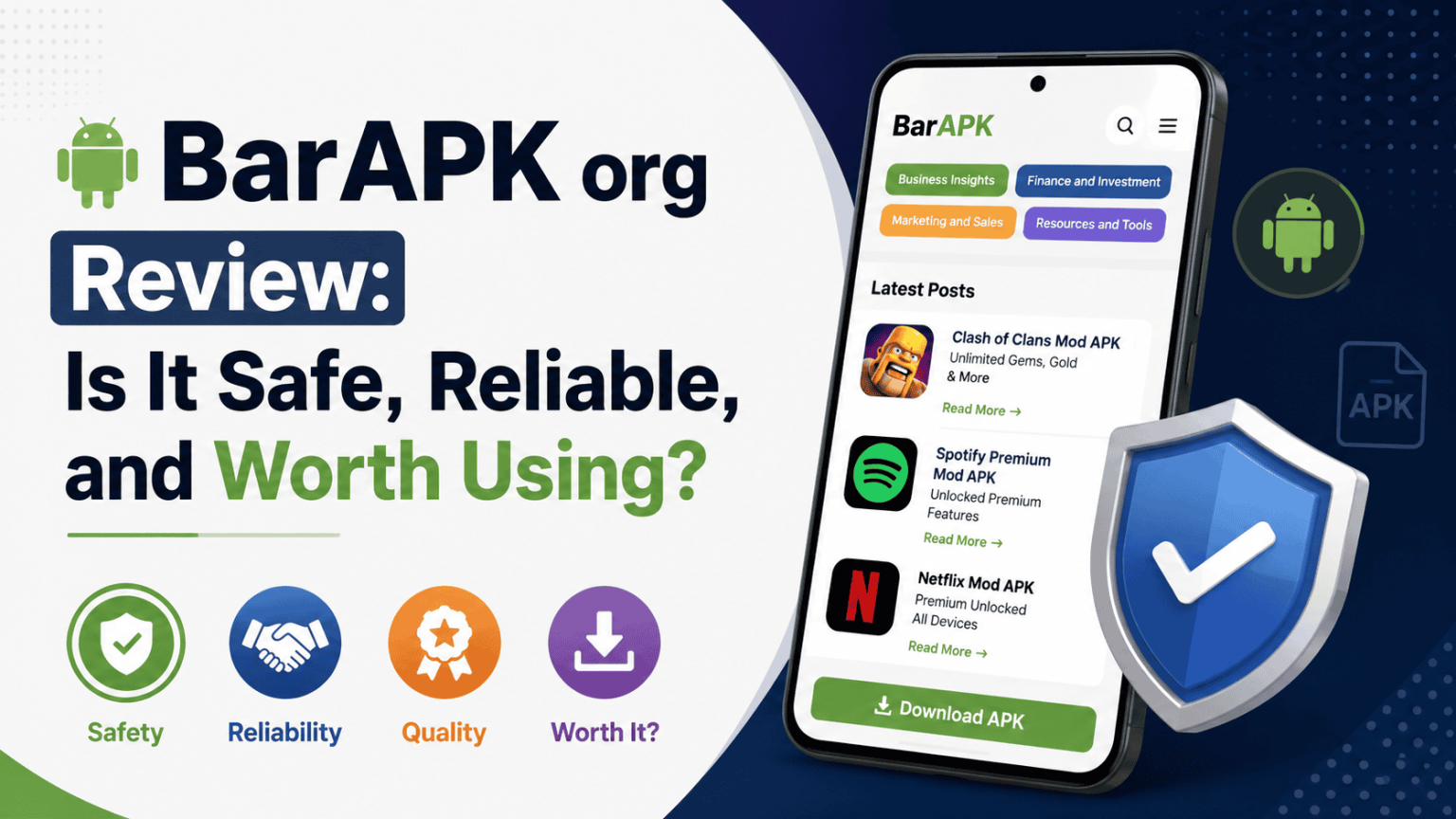
BarAPK.org appears to be a third-party Android content site that publishes APK related posts, including mod APK pages, app guides, and download style articles. Its homepage shows categories such as Business Insights, Finance and Investment, Marketing and Sales, and Resources and Tools, along with posts that clearly reference APK and mod APK content.
The site also includes an About Us section, a contact email, and a public contact number. That shows basic site presence, but it does not prove strong verification, app testing, or official distribution rights. A search result for the domain also notes that ownership and legitimacy are not publicly verified.
Is BarAPK.org Safe?
The safest answer is no, not in the same way Google Play or another verified store is safe. Google says Play Protect scans apps from the Play Store before download, checks apps from other sources for harmful behavior, and can warn, disable, or remove harmful apps. Google also says it may block apps from higher risk sources if they request sensitive permissions commonly used for fraud.
That matters because APK sites usually rely on sideloading. Android moved to an “install unknown apps” permission model to make app installs from outside Google Play safer, which shows that external installs are treated as a security-sensitive action by the platform itself.
Is BarAPK.org Reliable?
Reliability is harder to confirm than appearance. A site can look active and still be weak on file verification, version control, or source transparency. BarAPK.org does show recent-looking posts and working site sections, but the public page does not clearly prove how files are checked, whether publishers are verified, or whether downloads are scanned before posting.
That means the site may be functional, but functional is not the same as reliable. For APK sites, reliability depends on whether the file matches the original app, whether the version is current, whether the file has been modified, and whether the publisher is trusted. Google’s guidance on unknown apps and Play Protect shows why those checks matter.
Main Risks of Using BarAPK.org
The biggest risk is malware. Google Play Protect checks apps from other sources for potentially harmful behavior and may warn about apps that violate unwanted software rules or hide important information. It can also block installs from risky sources when apps request dangerous permissions.
Another risk is modified APK files. A mod APK can change the original app code, and that creates extra trust risk because the file may not be identical to the version that came from the developer. BarAPK.org includes pages that mention mod APKs and unlocking features, which are exactly the kinds of files that should be treated carefully.
A third risk is privacy loss. Android warns that apps installed from outside Google Play can trigger extra checks, and Play Protect may reset permissions for unused apps or send unknown apps to Google for analysis. That tells you these installs are not treated like normal verified store apps.
Safety Signals to Check Before Downloading
| Check point | What you should look for | Why it matters |
|---|---|---|
| File source | Clear app name, version, and publisher details | Helps confirm the APK is not mislabeled |
| App type | Original APK versus mod APK | Modded files add extra security risk |
| Permissions | Requests that match the app’s purpose | Unusual permissions can be a warning sign |
| Scan result | Play Protect or another trusted scan warning | Google may block or flag harmful apps |
| Site transparency | Real contact details and clear policies | Basic trust signal, but not full proof of safety |
Who Might Use BarAPK.org
BarAPK.org may appeal to users who want APK files, app versions not available in their region, or modified app builds. The site’s content mix suggests it is built for users looking for Android app downloads and related guides.
Even then, use should be limited to cases where the user understands the risk and can verify the file carefully. Google’s own Android guidance makes clear that apps from outside the Play Store can carry extra risk and may be blocked if they look harmful.
When It Is Not Worth Using
BarAPK.org is not worth using if the app involves banking, payments, private messages, work data, or account access. Google specifically notes that Play Protect can block apps from higher risk sources when they request sensitive permissions that scammers often target for identity theft or financial fraud.
It is also not worth using if you cannot verify the file source, if the APK is a modded build, or if the app already exists on Google Play. The official store adds a layer of screening that third-party APK sites cannot match.
Best Practice for Safer APK Use
Keep Play Protect turned on. Google says it is on by default and recommends leaving it enabled for security. It checks apps at install time, scans devices periodically, and can warn or remove harmful apps.
Also treat every APK from an outside source as a separate trust decision. Android’s unknown apps permission exists because sideloading is not the same as installing from a verified store, and Google added stronger controls to reduce harmful installs.
Read It's Also: Consolemagazine com Explained | Gaming News, Reviews, Features & More
Safe Use Checklist
Make sure the APK is from a source you trust, matches the right app name and version, and does not ask for strange permissions. Keep Google Play Protect on, and do not install sensitive apps from third-party APK sites unless there is a strong reason and a clear way to verify the file.
The site does show an active web presence and public contact details, but that alone is not enough to make it a verified or low-risk download source.